In the apartment
Appliances
Short guides for the things you will actually touch. Nothing here needs a manual — and if something will not behave, message us.
Guides
Three appliances have a page of their own. The kitchen and the TVs are covered further down.
Kitchen
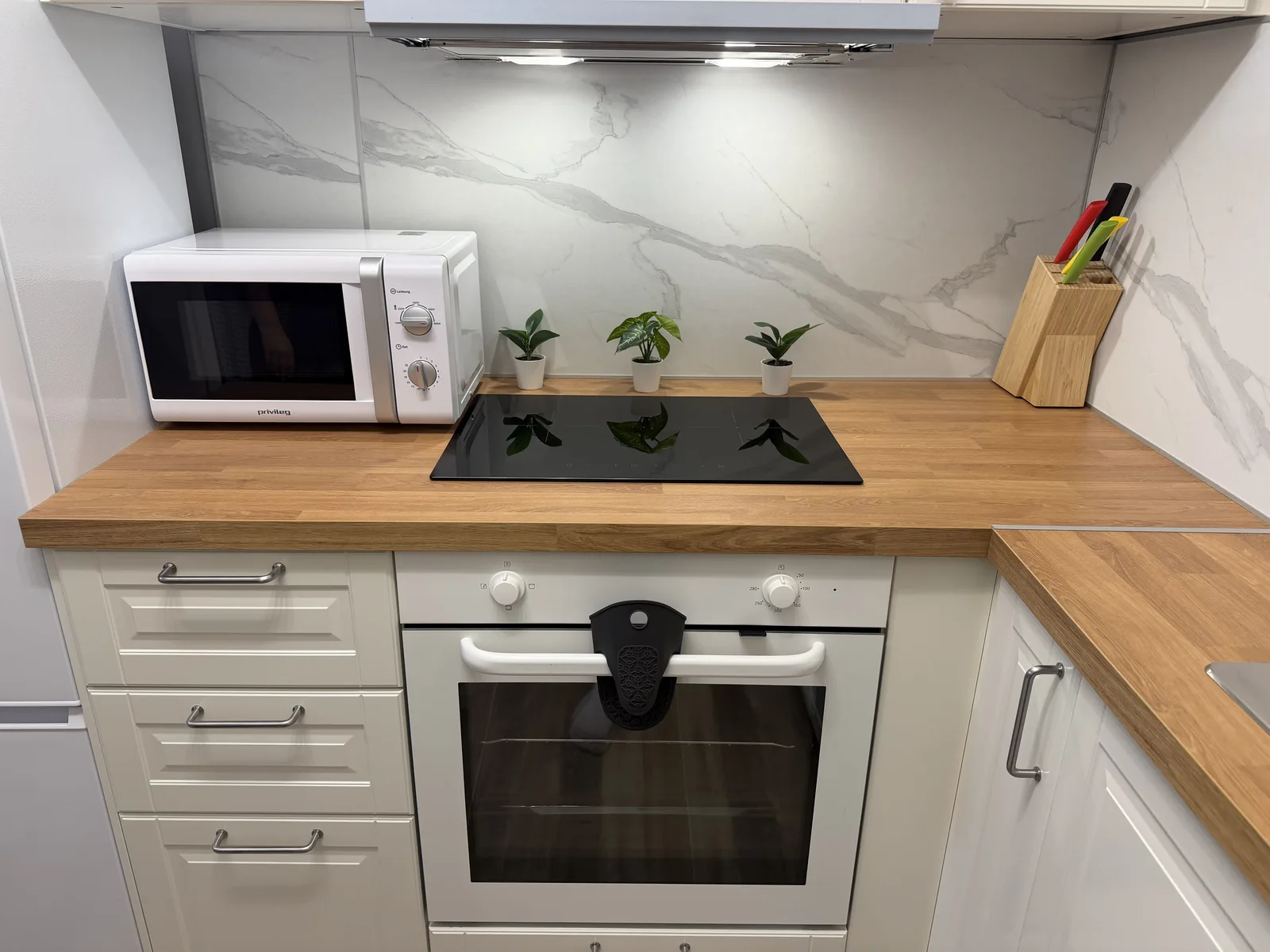
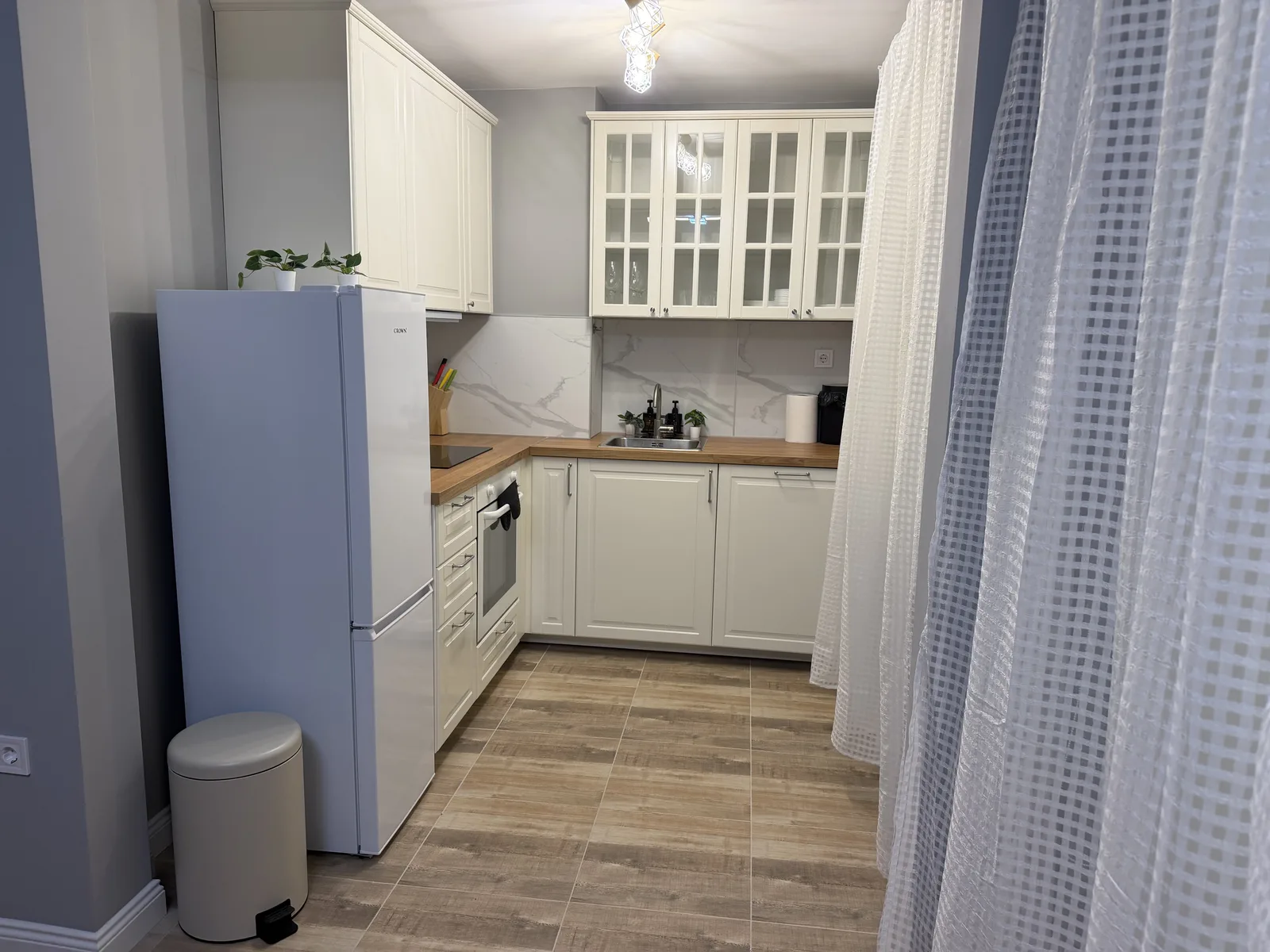
A full kitchen with an oven, a hob, a dishwasher and a fridge-freezer. Everything works the way you would expect at home.
Hob
Turn the control up to heat a ring, back to zero to stop it. Check every ring is off before you leave the kitchen.
Oven
Set the function and the temperature, then give it a few minutes to come up to heat before the food goes in.
Dishwasher
Scrape the plates, load them facing the centre and add a tablet before you start.
Fridge-freezer
Fridge above, freezer below. Please take your food with you when you check out.
TVs
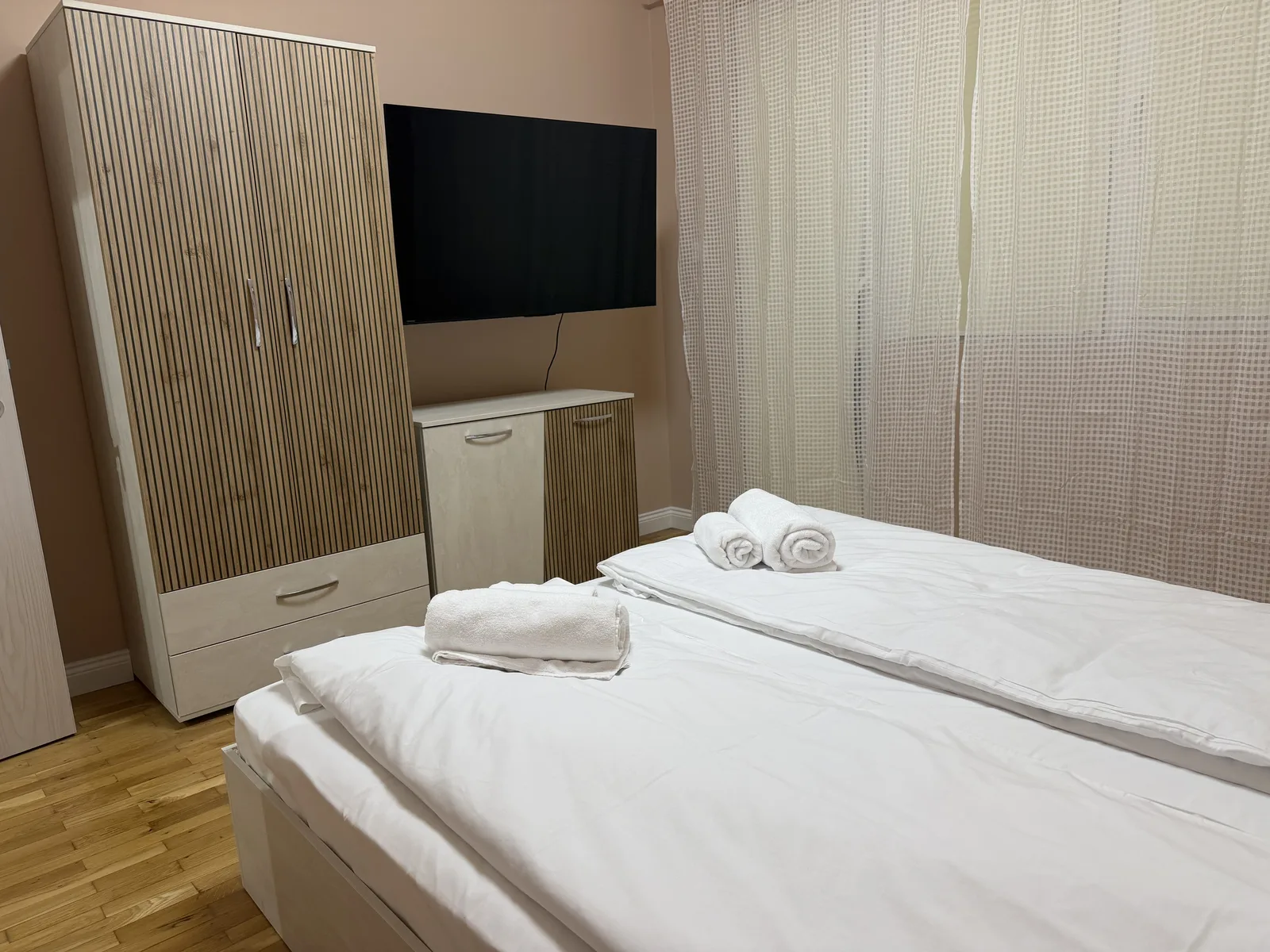
4 TVs — one in each bedroom and in the living room.
Turning one on
No signal?
Something not behaving?
Tell us what the appliance is doing and we will talk you through it or send someone. We answer within 1 hour during waking hours (09:00–22:00).
Simeon Kolev